 By Admin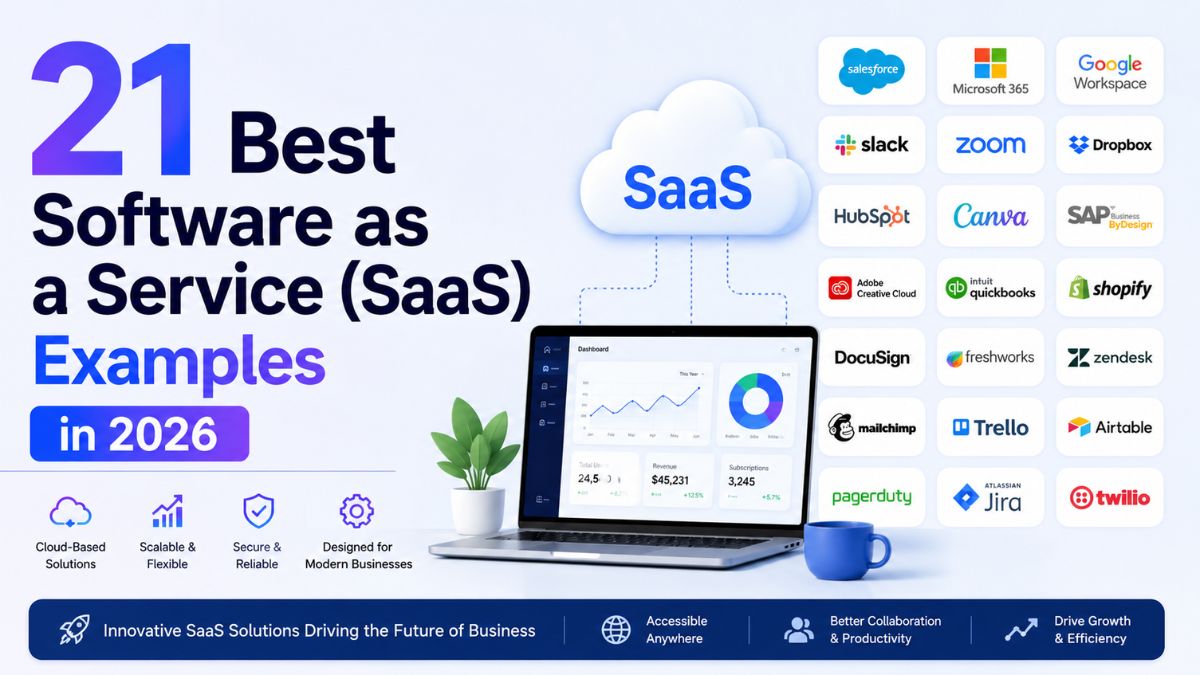
SaaS Examples, In this era of online-based businesses, cloud computing has paved way for variety of different applications and software that perform multitude of functions. A lot of this has to do with one of the most talked-about classifications of cloud computing- SaaS or Software-as-a-Service.
You may have seen SaaS thrown around but what is it really? Software as a Service or SaaS in short is away by which applications are delivered as a service over the internet. SaaS solutions involve handing control over the third-party service providers. Despite the weird acronym, it’s everywhere. If you have a computer, you probably use a few examples every day.
Let’s look at SaaS in a bit more detail:
What is SaaS?
SaaS customers don’t get anything material in return for their payments. Instead, they pay for the service provided usually in the form of a subscription. Some more common SaaS services may be free but include ads for other services or for a more complete and costlier version of the service.
Infrastructure as a service (IaaS) is an instant computing infrastructure, which is one of the cloud services along with Software as a service (SaaS) and PaaS. Cloud service providers set up data centers to use by their clients.
21 Examples of SaaS Applications with Use Cases
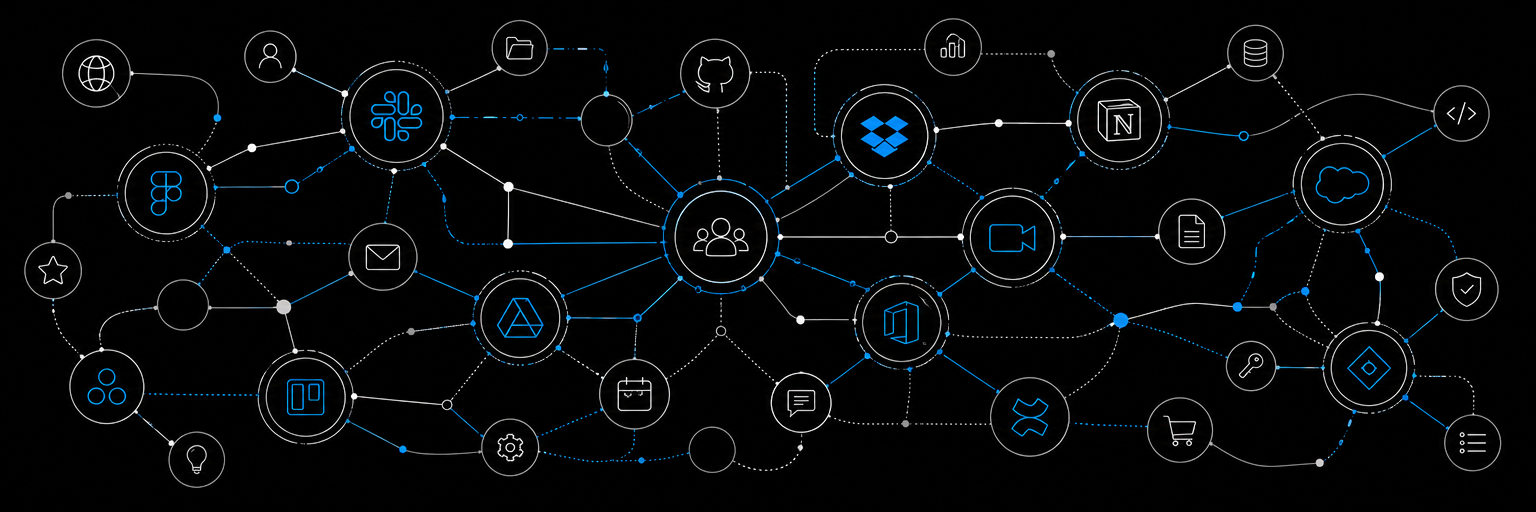
SaaS solutions need little more than a solid internet connection. Using SaaS apps in place of traditional software is cost-effective and user-friendly, and cuts down significantly on annoyances like onboarding, installations, and delays. Let’s look at a few SaaS platforms that have already started making their customers’ lives easier with their products.
Example 1:
Slack is a messaging application that is most frequently used to connect team members in a workplace.
Use Case for Slack
If email is a bridge, Slack is a teleportation device, connecting colleagues instantly. For the highly collaborative team, Slack’s channels allow for organized project management and discussion between coworkers. Its instant messaging is ideal for quick communication and reducing email clutter.
Details
- Launched in 2013
- $903 million in 2020
Slack’s most striking features include:
- A mobile app with an easily navigated interface
- Seamless integration with other apps and tools
- File sharing
- Notifications and mentions
- Options for text, voice, or video conferencing
Example 2: Docusign
Docusign took signatures to the cloud, delivering a platform for electronic signatures that can be used for everything from personal correspondence to legal documents.
Use Case for Docusign
In situations like real estate purchases, Docusign has made it possible for high volumes of documents to be signed remotely. Docusign can be used from anywhere, reducing the need for countless in-person meetings to put pen to paper.
Details
- Launched in 2003
- Revenue: $2.6 billion in 2024
Docusign allows for:
- File merging
- Customized signature fields or pre-planned templates
- Multiple fonts for signatures, or the option to draw your own
- Conversion of files to PDF format
Example 3: monday.com
A visually exciting project management software, monday.com acts as an assistant to streamline your workflows.
Use Case for monday.com
Monday.com leaves behind the boring spreadsheets of yesteryear and delivers an interactive and customizable platform. Ideal for customer relationship management, it organizes tasks and supports a deadline-driven atmosphere.
Details
- Launched in 2014
- Revenue: $729.7 million in 2023
Monday.com offers:
- Free and paid plans designed to serve a wide customer base
- Customizable data organization
- Simplified onboarding
Example 4: Salesforce
Salesforce is one of the most popular SaaS companies on the market. It’s a CRM platform designed to promote conversions and offer every department a holistic view of each customer’s needs.
Use Case for Salesforce
All of your customer data is in one place, accessible from anywhere to support the entire life cycle of a sale. Used by sales representatives, customer support specialists, and everyone in between, Salesforce paints a picture for your whole team that prioritizes both conversions and customer satisfaction.
Details
- Launched in 1999
- Revenue: $34.8 billion in 2023
Key features of Salesforce:
- One platform for managing all your leads
- Generate customizable reports
- Automation tools
What a SaaS Does for Customers?
SaaS vendors provide customers with built-in tools and usually a distribution platform with much cost-effectiveness. Customers can use similar tools offline or build them themself too but all this might require too much time and effort.
These tools make it easier for customers to take advantage of tools without having a strong knowledge of coding. It may also make your product more visible or accessible to your target customers or audience.
In many cases, these services offer a variety of tools that are available elsewhere but in ways that would be inconvenient to use them together.
SaaS Vs. Customer-Premise Software
SaaS Software is in some ways in opposition to Customer-Premise or On-Premise Software. Customer-Premise Software is software that runs on hardware provided by the company and also requiring a subscription.
The most readily accessible examples of Customer-Premise Software is Point of Sale systems in which a software suite runs on a specific computer, console, or other devices.
From the perspective of a service provider, SaaS is often cheaper and more convenient than Customer-Premise Software. Because no hardware infrastructure is required. This makes the service easier and cheaper to provide but also makes it easier to do things like terminate contracts.
Let’s look at some common, less common and rare or tricky examples of SaaS usage in the modern world:
12 Common SaaS application Usage
1. Cloud Suites
A Common example of SaaS that you probably use but may not have considered. Include the Cloud Suites that most of us have free access to an incentive for choosing email accounts.
We’re talking about Microsoft’s Office Suite which comes free with an Outlook email, and Google’s Google Suite, which comes free with a Gmail account. These SaaS examples offer bundles of services that allow document production and sharing.
Even before document sharing existed, the tools for document production that these services provide for free used to be very expensive. Older users will no doubt recall with a shudder the price that Microsoft used to extract for just a Word update.
These tools are free but they both have reasons for that giveaway. Both of these packages come free with an email account and, while the email account is also free, that account has ads that make the companies money.
In the case of Google, the Suite is only one of the services that users have easier access to with a Gmail including YouTube accounts and other perks.
In the case of Microsoft Office, the free version serves as an advertisement for a subscription service with more advanced tools and features.
Microsoft Azure is a cloud computing service for building, testing, deploying and managing applications.
2. Streaming Sites
Another common SaaS example that you probably use every day is a streaming site. The most recognizable examples are video streaming sites like Netflix and Hulu and the music streaming sites like Pandora and Spotify.
Netflix and Hulu both have a subscription fee that users pay in exchange for television shows and films but they never own these programs. They can view the programs but only when they are available on the site.
Further, in addition to having ads, Hulu charges for additional services including access to special programs not available for most users.
Pandora and Spotify operate on a similar model. However, both of them have free basic versions with advertising as well as payable versions. It doesn’t have ads and come with additional features.
Interestingly, Amazon is also dipping its toe into the SaaS model. It has its own streaming service, Amazon Prime, which charges a subscription fee in exchange for viewing but not owning television programs and movies. Users who don’t pay for Prime but have Amazon accounts can also pay to rent or purchase digital versions of this content.
Similarly, the popular streaming site YouTube has rolled out a subscription-based model called YouTube Red. It provides users with ad-free viewing as well as additional content. The basic YouTube subscribers can’t access including original programming.
YouTube is a significant example because users also have the ability to use the platform to make their content available to others. Further, because the free version of YouTube is monetized, this allows posters to make some money off of their posts if enough people engage with them.
3. Tax Software

These days, most Americans do their taxes with tax software with perhaps the most recognizable example being TurboTax.
TurboTax advertises its free services but only very basic services are free with many filers needing to pay for services and all users being advertised optional paid for services. They also advertise other software packages offered by the parent company, including some of those that make up our next example.
4. Art and Production Tools
Many tools that allow users to create art, like the Adobe Suite or Canva, or to create other digital artifacts also charge subscription fees for their services. Sometimes the offer free subscription or plan-tiers depending on user needs
5. Business Software
A somewhat less common example of SaaS includes business software like accounting and invoicing software. These tools help small business owners and independent contractors manage their expenses and income.

Many examples are offered by companies that also sell tax software subscriptions. That’s partly because the fields are adjacent and partially because providers can then use their services to advertise for one another.
In many cases, companies that offer both business software packages and tax software packages will also offer benefits for using both of these packages together, like decreased prices or better compatibility.
More advanced business software providers like SalesForce give subscribers access to high-end analytical tools or allow them to use the platform to create their own apps & websites.
Free versions of business software packages are rare but the services often have tiered pricing so that users can elect to pay more for more advanced tools.
6. Email Management
Some SaaS services give customers an easier option for saving email drafts, timing email distribution, and managing mailing lists. Examples include Mailchimp.
Email Management Services often bill like business software in that they may or may not have a free version but offer varied tiers of service for different prices.
7. Educational Apps and Games
Many educational apps and games including Duolingo and Lumosity also operate on a similar Software as a Service model. Users have access to a limited free version and are regularly reminded that they have access to a paid subscription with additional features. Duolingo also has adds on the free version.
8 Registration Software
Registration software packages allow businesses that hold courses, schedule events, or orchestrate trips to manage and bill their clients. Examples include Eventbrite.
Registration Software Providers work on a similar system as business software packages in that they seldom have free versions but have different service tiers for different services.
9. Web Hosting
If you have your own website, you know that keeping them running can be expensive. Web hosting companies charge for the services of maintaining domains and watching over the backend janitorial elements of websites for their clients. This is where SaaS software’s make maintenance and updates easier for webs hosting providers and clients.
10: Expert Services
Some SaaS companies connect users with experts such as legal experts, mental health experts, healthcare providers, &c. Examples include LegalZoom and BetterHelp.
These examples are tricky because they don’t usually charge subscription fees or offer free services. Instead, they may charge by time just like these experts would if they were seen in person.
11. Social Media and Dating Sites
Other interesting examples of SaaS include dating sites and some social media sites.

Most dating sites including Tinder and Bumble operate like regular social media sites, though they run more analytical software in order to connect compatible subscribers. This may be the reason that most of these websites charge.
Similarly, some social media sites such as LinkedIn are moving toward a SaaS model. That site, for example, has a free version but also has a subscription service that gives subscribers access to advanced services.
12. Academic Publications
Many academic publications are available online but only to people who pay a subscription fee to the organization posting the articles. This may not qualify as a SaaS service if it only provided the text of the articles.
For example, online publications like online newspapers and e-magazines don’t qualify as SaaS because, while they rely on the internet, they do not provide a service or software.
However, the sites that host academic publications usually also give access to other tools like analytical software and tools for searching and citing documents.