
 By Admin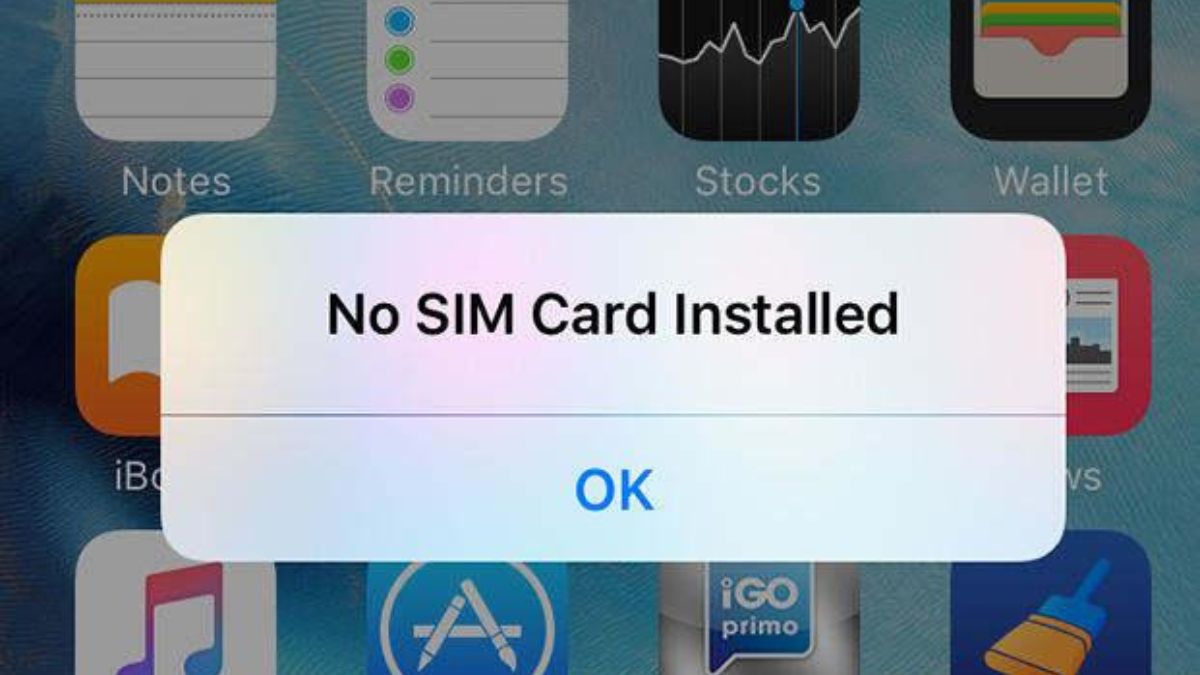
Have you ever noticed your iPhone suddenly making a “beep” or “ting” sound and wondered if it’s coming from the SIM card? 😮
Don’t worry—you’re not alone. This issue is more common than you think, and the good news is: it’s usually easy to fix.
Let’s break down what’s really happening and how you can solve it quickly. 🚀
🔊 What Does “SIM Making a Sound” on iPhone Mean?

First things first:
👉 A SIM card cannot produce sound.
The sound you hear actually comes from your iPhone’s system reacting to:
- Network changes 📶
- SIM detection issues 💳
- System notifications 🔔
Typical signs include:
- A random “ting” sound with no visible notification
- Sound appearing when switching networks
- Occasional signal drops
⚠️ Common Causes of SIM-Related Sounds
1. 📡 Temporary Network Fluctuations
Your iPhone may beep when:
- Signal drops and reconnects
- Switching between 4G/5G or “No Service”
2. 💳 Loose or Damaged SIM Card
If your SIM isn’t properly seated, the phone may repeatedly detect and reconnect it.
Possible reasons:
- SIM is old or scratched
- SIM tray not fully inserted
3. 🔔 System Notification Sounds
Sometimes it’s just a hidden system alert:
- Carrier updates
- Network refresh
- SIM-related warnings
4. ⚙️ iOS Software Glitch
Bugs in iOS can trigger random sounds—even without visible alerts.
5. 🌐 SIM Compatibility Issues
If you’re using:
- A locked iPhone 🔒
- Or a SIM from another carrier
The system may continuously check the SIM, causing sounds.
🛠️ How to Fix SIM Sound Issues on iPhone
🔄 1. Restart Your iPhone
A simple restart can fix temporary glitches 👍
💳 2. Remove and Reinsert the SIM Card

Steps:
- Turn off your iPhone 🔌
- Eject the SIM tray
- Clean the SIM gently
- Reinsert it properly
📶 3. Check Network Settings
Go to:
Settings → Cellular → Cellular Data Options
Try:
- Toggling Airplane Mode ✈️
- Resetting network settings
🔕 4. Adjust Notification Sounds
Go to:
Settings → Sounds & Haptics
- Turn off unnecessary alerts
- Lower system sound volume
🔄 5. Update iOS
Keeping your iPhone updated helps fix bugs 🧩
Settings → General → Software Update
🧪 6. Test with Another SIM Card
- Insert a different SIM
- If the issue disappears → your SIM is likely faulty
🧑🔧 7. Visit a Technician
If nothing works:
- It could be a hardware issue ⚠️
- Get it checked professionally
💡 Tips to Avoid SIM Issues
- Use a high-quality SIM card 📱
- Avoid frequent SIM removal
- Keep your device dry and clean 🌧️
- Update iOS regularly
❓ FAQs
🤔 Can a SIM card actually make sound?
❌ No. The sound comes from the iPhone system, not the SIM.
📵 Is this problem dangerous?
👉 Not at all. It’s usually harmless but can be annoying.
🔧 Should I replace my SIM?
👉 Only if testing another SIM fixes the issue.
📝 Final Thoughts
The issue of SIM making a sound on iPhone might seem strange, but it’s simply your device reacting to network or SIM-related changes. 📶
With a few easy steps like:
- Restarting 🔄
- Checking the SIM 💳
- Adjusting settings ⚙️
…you can quickly get rid of the problem.